

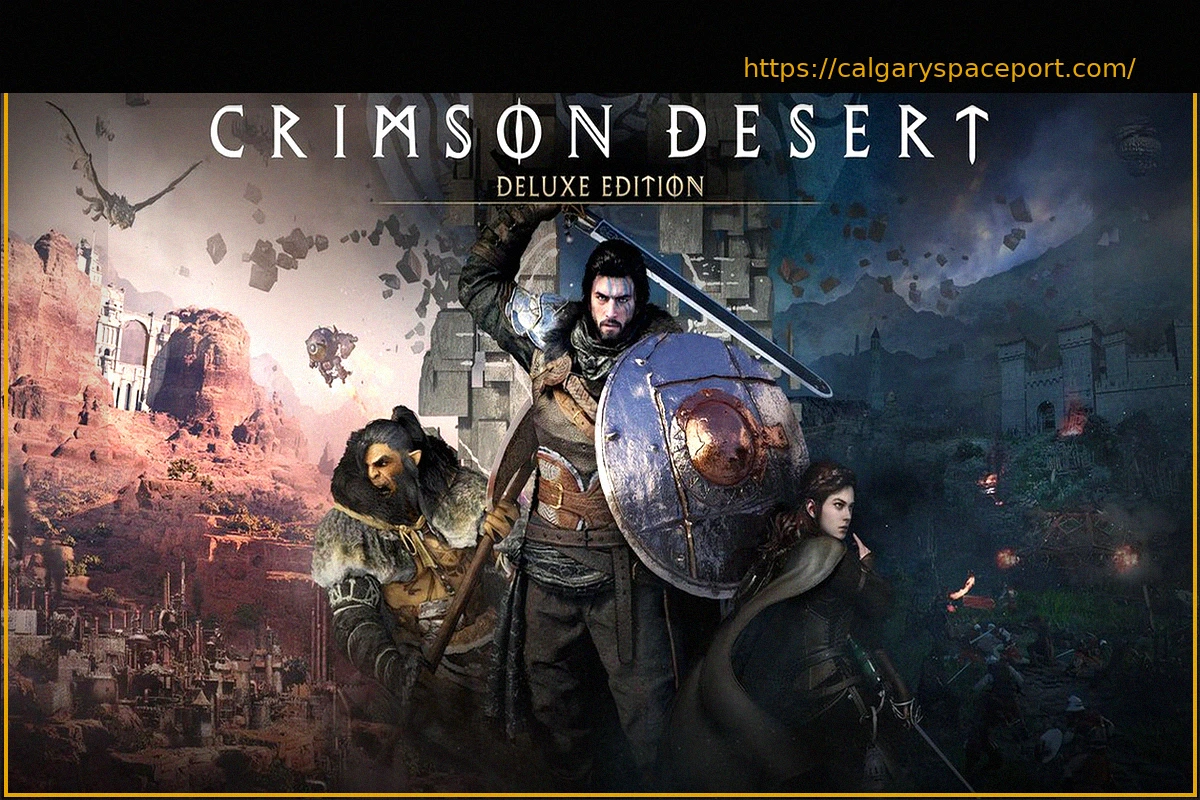
Crimson Desert experienced a unique launch; despite its initial commercial success, player and critic reception was varied. In response, developer Pearl Abyss has diligently addressed key community requests, working overtime to implement much-needed changes.
A new patch has been released, targeting numerous areas. It brings improved controls, enhanced performance and graphics, additional storage options, extensive bug fixes, and general gameplay refinements for a smoother experience. Given the scope of Crimson Desert, the patch notes are quite extensive and detailed. Below is a comprehensive list of what this update addresses.
Quests
- Fixed an issue in Chapter 2 quest ‘Reunion’ where the chat sometimes stopped indicating the path.
- Improved Chapter 4 quest ‘Mysterious Pot’ by making the symbol briefly pause when it reaches the correct position during ancient generator repair.
- Fixed an issue in ‘Turnali’s Request’ where the quest would not complete if a Bekker Shield that had already been refined was refined again.
- Improved the notification displayed when the crime status prevents quest progression.
Content
- Added Abyssal Nexus on the continent of Pywel to improve quick teleportation travel.
- Added a private reserve (storage) that can be used to store items from your inventory.
- The private reserve is located in Hernand’s initial temporary lodgings and Howling Hill Camp.
- Reduced the time required to acquire knowledge.
- Skill observation has been changed so skills only need to be learned once before they can be used.
- Adjusted the timing of learning the Force Palm skill to allow players to use it much earlier in the game.
- Reduced the number of hits required to chop down trees.
- Tree felling has been modified so trees are cut with basic attacks without needing to aim beforehand.
- Decreased the difficulty of QTEs in the arm wrestling mini-game and when trapped by an opponent (mount).
- Improved the visibility of items that can provide knowledge by adding icons and tooltips indicating the total knowledge acquired.
- Modified ore veins and collectibles to be automatically discovered when you are within a certain proximity: Ordinary ores: 8m; Tools: 2m – bonfire, special cooking tool, grinding stone.
- Improved Skybridge alignment devices in the Abyss to trigger immediately when placed at the correct activation point.
- Improved the visibility of Skybridge alignment devices in the Abyss to make them easier to locate.
- Improved the visibility of the circuit board attached to Axiom Force to show its lines when moved.
- Improved camera movement when aiming a bow at a brazier and adjusted the range of lighting arrows accordingly.
- Added an indestructible brazier in front of Lioncrest Watchtower.
- Improved the Trade Post UI to display the inventory of Damiane, Oongka, and Kliff’s horses.
- Added effects for the destruction of facilities in enemy fortresses. Facility destruction effects are: Infirmary: Wounded enemies no longer return to combat; Storage facilities: Enemy max health -10%; Barracks facilities: Enemy attack -5.
- Improved the visuals of some puzzles for better clarity.
- Increased health restored by ingredients and food, and added new foods to the Hernand Tavern.
- Increased the lantern’s range for clue detection.
- Reduced stamina consumption for Nature’s Embrace.
- Fixed an issue where pets failed to loot items under certain conditions.
- Modified some items in the Witch’s Shop to reset daily.
- Modified the properties of bismuth ore and its collection method; petrification is now applied by default when approaching bismuth ore; bismuth ore can now be mined using ordinary methods like a pickaxe, instead of requiring lightning damage attacks.
- Reduced the difficulty of sharpshooting and archery mini-games.
- Fixed an issue where the Abyssal Cell’s electric field did not disappear.
- Improved the visibility of the part that needs to be grasped with Axiom Force on the Skybridge alignment device.
- Modified Visione to be automatically equipped and played after reading memory fragments with the Lantern.
- Fixed an issue in the Ethereal Path Abyss where players could not observe the Force Palm if they did not step on the Abyss Nexus.
- Fixed an issue where stamina was not consumed after a specific quest scene.
Controls
- [General] Improved interaction UI response speed.
- [General] Improved jump input responsiveness.
- [General] Fixed screen centering when using a lantern or being unarmed.
- [General] Improved quick equipment slotting so re-selecting your current equipment puts it away.
- [General] Improved main menu UI responsiveness.
- [General] Fixed an intermittent issue where the main menu would not open.
- [Keyboard/Mouse] Improved character movement control responsiveness.
- [Keyboard/Mouse] Added the following shortcuts to open and close certain menus: Inventory: [I]; Skills: [K]; Journal: [J]; Map: [M].
- [Keyboard/Mouse] Fixed an issue where the key guide at the bottom right of the screen did not update when using Guard or Aim.
- [Keyboard/Mouse] Added default control options for Guard/Aim (side button 1) and Dodge (side button 2).
- [Keyboard/Mouse] Modified controls to retain movement input when using Axiom Force.
- [Keyboard/Mouse] Fixed an issue where duplicate keys could be assigned in shortcuts and input settings.
- [Keyboard/Mouse] Fixed an issue where some inputs did not work correctly after changing shortcut and input settings.
Boss Fights and Combat
- Reduced the health and attack of certain enemies and bosses.
- Reduced stamina consumption for blocking attacks.
- Decreased the difficulty of ambushes triggered when heading towards the Reed Devil boss stage.
- Adjusted some attack patterns of Kearush the Killer.
- Increased stun gauge accumulation on bosses upon successful parries.
- Modified boss weakness effects to display even if the player has not acquired the specific knowledge.
- Fixed an issue where companions remained when entering a boss fight.
- Fixed an issue where fire arrows did not ignite enemies upon impact.
- Fixed an issue where some bosses abnormally fell in specific situations.
- Fixed an issue where some bosses fled too frequently when hit under specific circumstances.
- Fixed an issue where the Blinding Flash weakness was not correctly applied to certain enemies.
NPCs and Dialogue
- Fixed an issue where some English audio lines were not played.
- Reduced the price of restorative items sold by Carl at Howling Hill Camp from 10 to 1 silver.
- Improved animal behavior to appear more natural when near the player.
- Fixed abnormal behavior and placement positions of certain NPCs.
- Fixed an issue where NPCs caught each other cheating during the Duo mini-game.
UI Fixes and Improvements
- Improved automatic registration of food to a quick slot upon first acquisition.
- Improved the positioning of the carrier pigeon letter display.
- Improved camera movement during skill observation.
- Fixed an intermittent issue where the UI failed to clear the destination in the Map menu.
- Fixed an intermittent issue where the cursor did not display correctly when navigating the Shop menu.
- Moved the Knowledge and Notifications menu from the Other tab to the Journal tab and adjusted the order.
Graphics and Settings
- [PlayStation 5, Xbox] Added a 120Hz mode option in the settings.
- Fixed an issue where settings were not saved correctly after using the Default option in the Settings menu.
- Fixed an issue where resolution and upscaling settings were not retained when restarting the game.
- Fixed an issue where character equipment and cats were invisible on the minimum performance quality setting.
- Fixed an issue where screen quality appeared abnormal when enabling FSR ray regeneration or DLSS ray reconstruction.
- Fixed an issue where monitor size was incorrectly detected at certain resolutions, causing abnormal display.
- Fixed an issue where the game screen appeared cut off or misaligned in Full Screen, Window, and Borderless Window modes.
- [Mac] Fixed an issue where default graphics settings were incorrectly set to Cinematic on some MacBook models.
- [Mac] Fixed an issue where the game occasionally crashed with specific graphics settings.
- [Mac] Fixed an issue where the game occasionally froze when frame generation was disabled.
- [Mac] Fixed a letterbox rendering issue in cutscenes when frame generation is enabled.
- Fixed an issue where the Abyss remained visible in specific situations while on the ground.
- Improved and fixed various visual effects triggered during specific NPC animations.
- Improved the appearance of the waterfall in the Abyss tutorial.
- Fixed awkward animations that occurred when a character collided with a cart.
- Fixed an issue where letterboxing did not disable after certain scenes.
Performance, Stability, and Gameplay
- [PlayStation 5] Fixed an issue where the game occasionally crashed when opening the Map menu.
- Fixed an issue where the game would not launch because dedicated graphics cards were not recognized in environments using both integrated and dedicated graphics cards.
- Fixed an issue where graphics cards were not correctly recognized on versions below a specific Windows 10 build (Improved detection of graphics card versions that could not be found).
- Fixed several stability, performance optimization, and crashing issues across PC and console platforms.
- [Xbox] Fixed an issue where the game was unavailable when offline.
Localization
- Fixed various localization errors and improved localization quality across all languages.
Miscellaneous
- Fixed an issue where death and loading sequences were delayed.
- Improved horse behavior for approaching the player after being called.
- Fixed an issue that caused the character to be pushed sideways when using Force Palm or Stab against a wall.
- Fixed an issue where DualSense controller vibration did not work in certain Windows environments.