

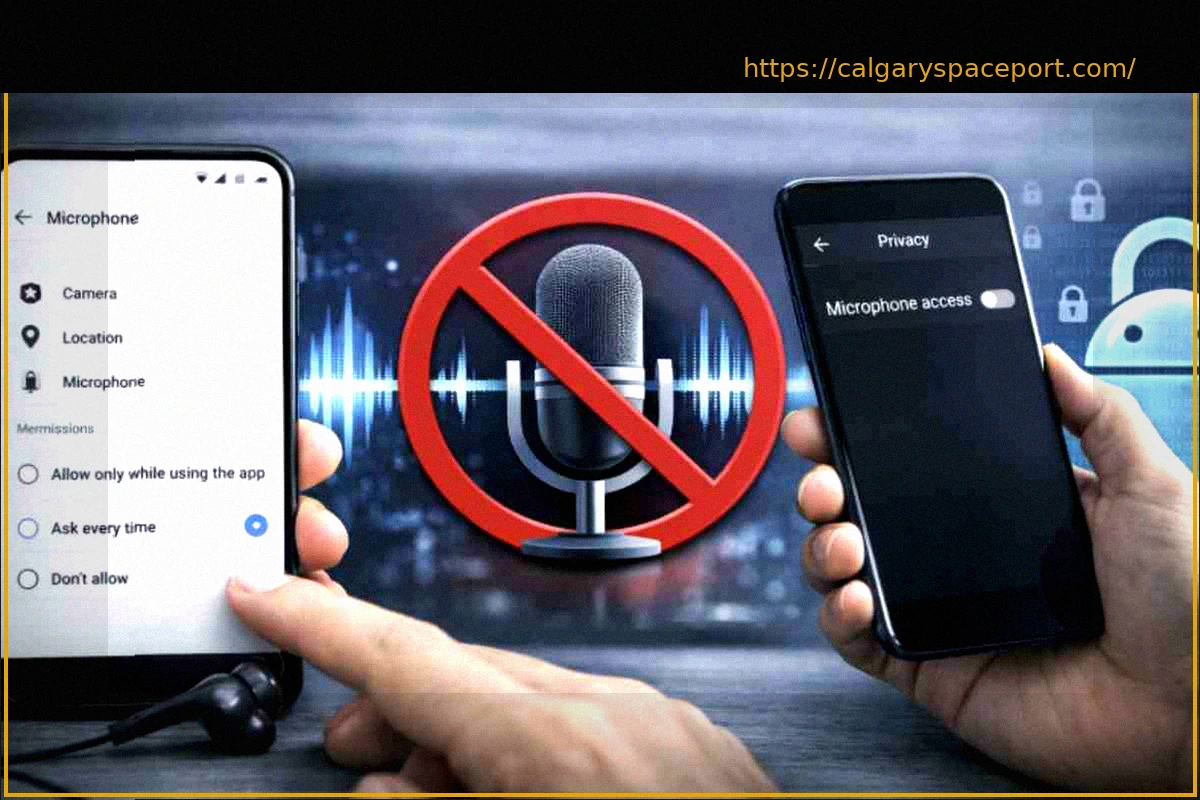
Many smartphone users are unaware that their device’s microphone isn’t only active during calls. In reality, it can be a constantly available sensor, picking up ambient sounds and conversations even when you’re not intentionally using it for a call or to record a voice message.
While often justified by the need for voice assistants (like Siri or Google Assistant) to respond to ‘wake words,’ this continuous listening capability raises significant privacy concerns. This background activity means your device might be processing audio data for various purposes, potentially including targeted advertising based on your conversations.
The role of the smartphone microphone has evolved profoundly in recent years, moving beyond simple communication. Understanding precisely how your smartphone’s microphone operates and learning how to manage its permissions and settings is crucial for safeguarding your personal privacy in the digital age.
This guide aims to shed light on what truly happens behind the scenes with your device’s microphone and provide clear instructions on how to limit these potentially intrusive listening functions, giving you more control over your privacy.