Crimson Desert Update: Enhanced Performance, Controls, and Storage
Crimson Desert experienced a unique launch; despite its initial commercial success, player and critic reception was varied. In response, developer Pearl Abyss has diligently addressed key community requests, working overtime to implement much-needed changes.
A new patch has been released, targeting numerous areas. It brings improved controls, enhanced performance and graphics, additional storage options, extensive bug fixes, and general gameplay refinements for a smoother experience. Given the scope of Crimson Desert, the patch notes are quite extensive and detailed. Below is a comprehensive list of what this update addresses.
Quests
- Fixed an issue in Chapter 2 quest 'Reunion' where the chat sometimes stopped indicating the path.
- Improved Chapter 4 quest 'Mysterious Pot' by making the symbol briefly pause when it reaches the correct position during ancient generator repair.
- Fixed an issue in 'Turnali's Request' where the quest would not complete if a Bekker Shield that had already been refined was refined again.
- Improved the notification displayed when the crime status prevents quest progression.
Content
- Added Abyssal Nexus on the continent of Pywel to improve quick teleportation travel.
- Added a private reserve (storage) that can be used to store items from your inventory.
- The private reserve is located in Hernand's initial temporary lodgings and Howling Hill Camp.
- Reduced the time required to acquire knowledge.
- Skill observation has been changed so skills only need to be learned once before they can be used.
- Adjusted the timing of learning the Force Palm skill to allow players to use it much earlier in the game.
- Reduced the number of hits required to chop down trees.
- Tree felling has been modified so trees are cut with basic attacks without needing to aim beforehand.
- Decreased the difficulty of QTEs in the arm wrestling mini-game and when trapped by an opponent (mount).
- Improved the visibility of items that can provide knowledge by adding icons and tooltips indicating the total knowledge acquired.
- Modified ore veins and collectibles to be automatically discovered when you are within a certain proximity: Ordinary ores: 8m; Tools: 2m - bonfire, special cooking tool, grinding stone.
- Improved Skybridge alignment devices in the Abyss to trigger immediately when placed at the correct activation point.
- Improved the visibility of Skybridge alignment devices in the Abyss to make them easier to locate.
- Improved the visibility of the circuit board attached to Axiom Force to show its lines when moved.
- Improved camera movement when aiming a bow at a brazier and adjusted the range of lighting arrows accordingly.
- Added an indestructible brazier in front of Lioncrest Watchtower.
- Improved the Trade Post UI to display the inventory of Damiane, Oongka, and Kliff's horses.
- Added effects for the destruction of facilities in enemy fortresses. Facility destruction effects are: Infirmary: Wounded enemies no longer return to combat; Storage facilities: Enemy max health -10%; Barracks facilities: Enemy attack -5.
- Improved the visuals of some puzzles for better clarity.
- Increased health restored by ingredients and food, and added new foods to the Hernand Tavern.
- Increased the lantern's range for clue detection.
- Reduced stamina consumption for Nature's Embrace.
- Fixed an issue where pets failed to loot items under certain conditions.
- Modified some items in the Witch's Shop to reset daily.
- Modified the properties of bismuth ore and its collection method; petrification is now applied by default when approaching bismuth ore; bismuth ore can now be mined using ordinary methods like a pickaxe, instead of requiring lightning damage attacks.
- Reduced the difficulty of sharpshooting and archery mini-games.
- Fixed an issue where the Abyssal Cell's electric field did not disappear.
- Improved the visibility of the part that needs to be grasped with Axiom Force on the Skybridge alignment device.
- Modified Visione to be automatically equipped and played after reading memory fragments with the Lantern.
- Fixed an issue in the Ethereal Path Abyss where players could not observe the Force Palm if they did not step on the Abyss Nexus.
- Fixed an issue where stamina was not consumed after a specific quest scene.
Controls
- [General] Improved interaction UI response speed.
- [General] Improved jump input responsiveness.
- [General] Fixed screen centering when using a lantern or being unarmed.
- [General] Improved quick equipment slotting so re-selecting your current equipment puts it away.
- [General] Improved main menu UI responsiveness.
- [General] Fixed an intermittent issue where the main menu would not open.
- [Keyboard/Mouse] Improved character movement control responsiveness.
- [Keyboard/Mouse] Added the following shortcuts to open and close certain menus: Inventory: [I]; Skills: [K]; Journal: [J]; Map: [M].
- [Keyboard/Mouse] Fixed an issue where the key guide at the bottom right of the screen did not update when using Guard or Aim.
- [Keyboard/Mouse] Added default control options for Guard/Aim (side button 1) and Dodge (side button 2).
- [Keyboard/Mouse] Modified controls to retain movement input when using Axiom Force.
- [Keyboard/Mouse] Fixed an issue where duplicate keys could be assigned in shortcuts and input settings.
- [Keyboard/Mouse] Fixed an issue where some inputs did not work correctly after changing shortcut and input settings.
Boss Fights and Combat
- Reduced the health and attack of certain enemies and bosses.
- Reduced stamina consumption for blocking attacks.
- Decreased the difficulty of ambushes triggered when heading towards the Reed Devil boss stage.
- Adjusted some attack patterns of Kearush the Killer.
- Increased stun gauge accumulation on bosses upon successful parries.
- Modified boss weakness effects to display even if the player has not acquired the specific knowledge.
- Fixed an issue where companions remained when entering a boss fight.
- Fixed an issue where fire arrows did not ignite enemies upon impact.
- Fixed an issue where some bosses abnormally fell in specific situations.
- Fixed an issue where some bosses fled too frequently when hit under specific circumstances.
- Fixed an issue where the Blinding Flash weakness was not correctly applied to certain enemies.
NPCs and Dialogue
- Fixed an issue where some English audio lines were not played.
- Reduced the price of restorative items sold by Carl at Howling Hill Camp from 10 to 1 silver.
- Improved animal behavior to appear more natural when near the player.
- Fixed abnormal behavior and placement positions of certain NPCs.
- Fixed an issue where NPCs caught each other cheating during the Duo mini-game.
UI Fixes and Improvements
- Improved automatic registration of food to a quick slot upon first acquisition.
- Improved the positioning of the carrier pigeon letter display.
- Improved camera movement during skill observation.
- Fixed an intermittent issue where the UI failed to clear the destination in the Map menu.
- Fixed an intermittent issue where the cursor did not display correctly when navigating the Shop menu.
- Moved the Knowledge and Notifications menu from the Other tab to the Journal tab and adjusted the order.
Graphics and Settings
- [PlayStation 5, Xbox] Added a 120Hz mode option in the settings.
- Fixed an issue where settings were not saved correctly after using the Default option in the Settings menu.
- Fixed an issue where resolution and upscaling settings were not retained when restarting the game.
- Fixed an issue where character equipment and cats were invisible on the minimum performance quality setting.
- Fixed an issue where screen quality appeared abnormal when enabling FSR ray regeneration or DLSS ray reconstruction.
- Fixed an issue where monitor size was incorrectly detected at certain resolutions, causing abnormal display.
- Fixed an issue where the game screen appeared cut off or misaligned in Full Screen, Window, and Borderless Window modes.
- [Mac] Fixed an issue where default graphics settings were incorrectly set to Cinematic on some MacBook models.
- [Mac] Fixed an issue where the game occasionally crashed with specific graphics settings.
- [Mac] Fixed an issue where the game occasionally froze when frame generation was disabled.
- [Mac] Fixed a letterbox rendering issue in cutscenes when frame generation is enabled.
- Fixed an issue where the Abyss remained visible in specific situations while on the ground.
- Improved and fixed various visual effects triggered during specific NPC animations.
- Improved the appearance of the waterfall in the Abyss tutorial.
- Fixed awkward animations that occurred when a character collided with a cart.
- Fixed an issue where letterboxing did not disable after certain scenes.
Performance, Stability, and Gameplay
- [PlayStation 5] Fixed an issue where the game occasionally crashed when opening the Map menu.
- Fixed an issue where the game would not launch because dedicated graphics cards were not recognized in environments using both integrated and dedicated graphics cards.
- Fixed an issue where graphics cards were not correctly recognized on versions below a specific Windows 10 build (Improved detection of graphics card versions that could not be found).
- Fixed several stability, performance optimization, and crashing issues across PC and console platforms.
- [Xbox] Fixed an issue where the game was unavailable when offline.
Localization
- Fixed various localization errors and improved localization quality across all languages.
Miscellaneous
- Fixed an issue where death and loading sequences were delayed.
- Improved horse behavior for approaching the player after being called.
- Fixed an issue that caused the character to be pushed sideways when using Force Palm or Stab against a wall.
- Fixed an issue where DualSense controller vibration did not work in certain Windows environments.
Fresh materials — Gaming News
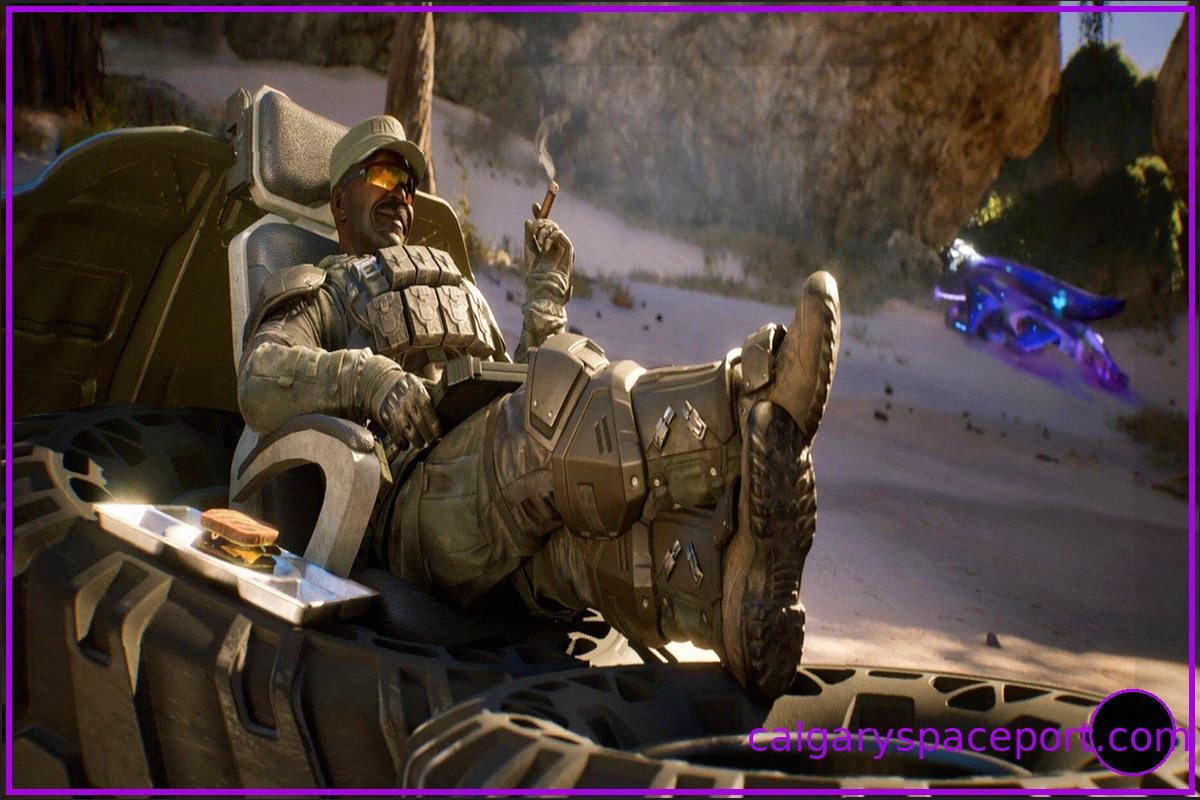
Halo Ring World: A Veteran's Disappointment with the "Ugly" Redesign
Marcus Lehto, a veteran from Bungie and the art director for the original Halo: Combat Evolved, who was instrumental in shaping the iconic Master Chief and the original Ring World, has voiced his dissatisfaction with the current depiction of the Ring World in Halo: Campaign Evolved. He describe
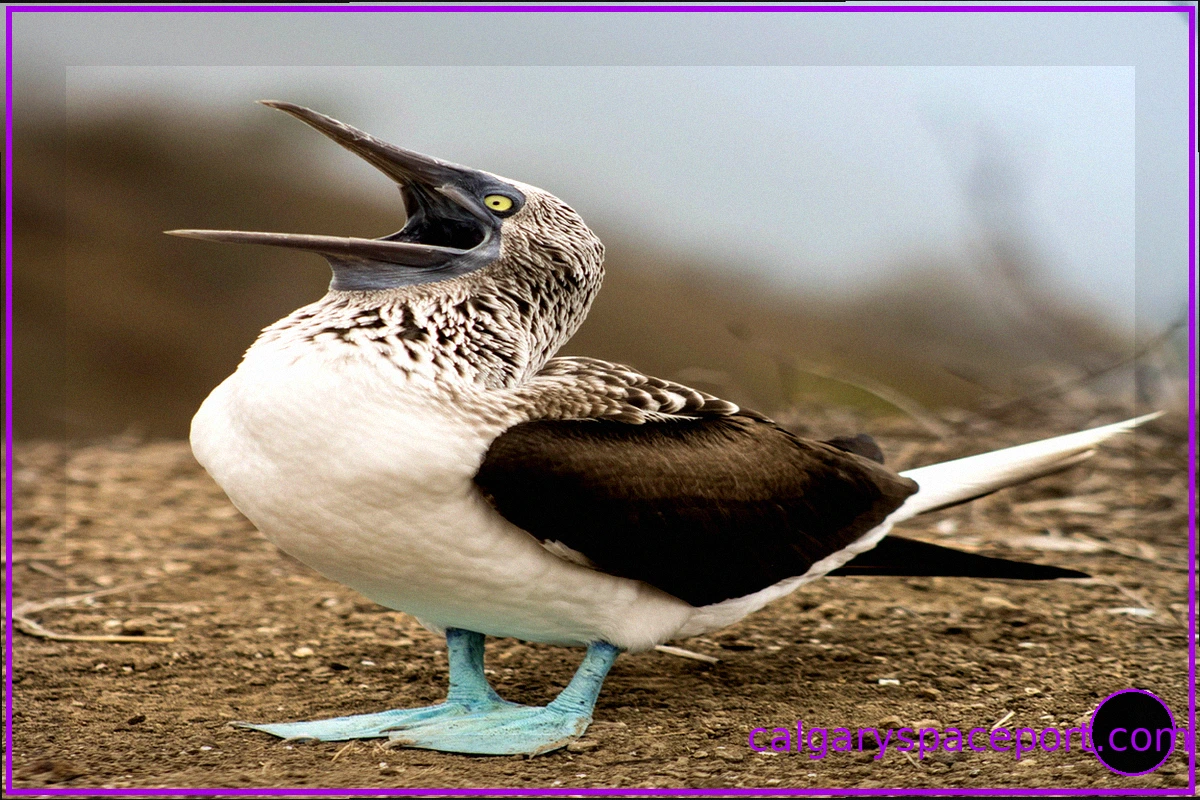
El Niño Drives South American Seabirds Further North Than Usual in Panama
Unusual numbers of seabirds are being observed much further north than their typical range in Panama, South America, as El Niño significantly disrupts their food supply. These birds, including species like the blue-footed booby, normally reside off the coasts of Peru and Chile in cold, nutrient-r
Review of "The Last House": A Thriller That Misses the Mark
Summer is often accompanied by a new streaming horror film. I discovered "The Last House" a few days before its release and, even before watching it, suspected it was a typical concept—one that could either work or fall flat. With skilled direction and a solid script, it had the potential to be
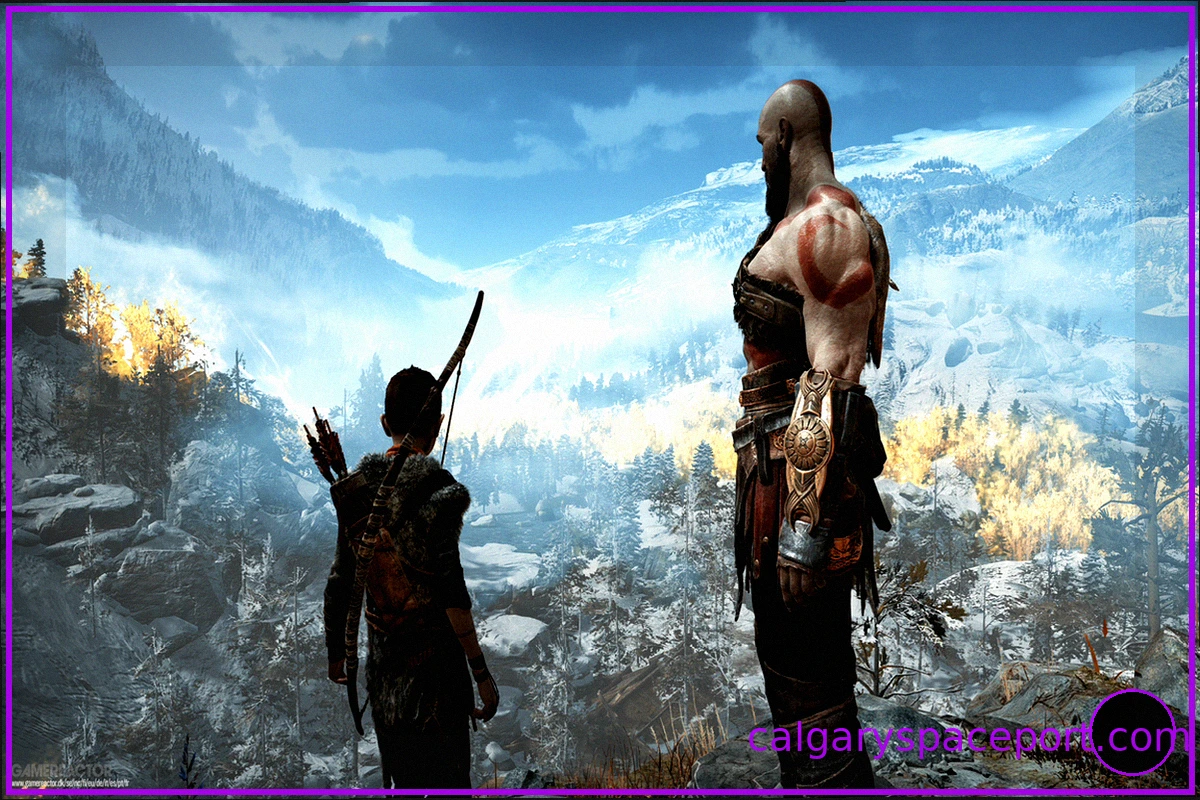
Christopher Judge, the Actor Behind Kratos, Calls for More Respect for Video Game Writers
Christopher Judge, the actor who brought Kratos to life in the 2018 game "God of War" and its 2022 sequel, "God of War: Ragnarök," has expressed a desire for video game writers and developers to receive the recognition and respect they deserve. During an appearance at FanExpo, Judge questioned
Tomb Raider: Catalyst Release Window Narrowed Down
While Lara Croft's return is anticipated next year with the release of Tomb Raider: Legacy of Atlantis on PC, PlayStation 5, Switch 2, and Xbox Series S/X on February 12th, it's clear Ms. Croft has even grander ambitions. A brand-new adventure, Tomb Raider: Catalyst, is also in development.
Halo Archive Lets Fans Relive Their Best Halo Memories, While Campaign Evolved Rekindles Nostalgia
As "Halo: Campaign Evolved" brings players back to where the legendary Xbox franchise began, nostalgia for the series' early, arguably golden years, has surged. But while fans are rediscovering that vast ring, another project offers a chance to revisit something far more personal: your own jou